Play with a plan
Restock with a plan.
Nivalis Nights Update 4 lets you choose a supply target and daily budget for each venue. Start with the settings, then trace a missing ingredient through your menu, deliveries and inventory.
Find a guide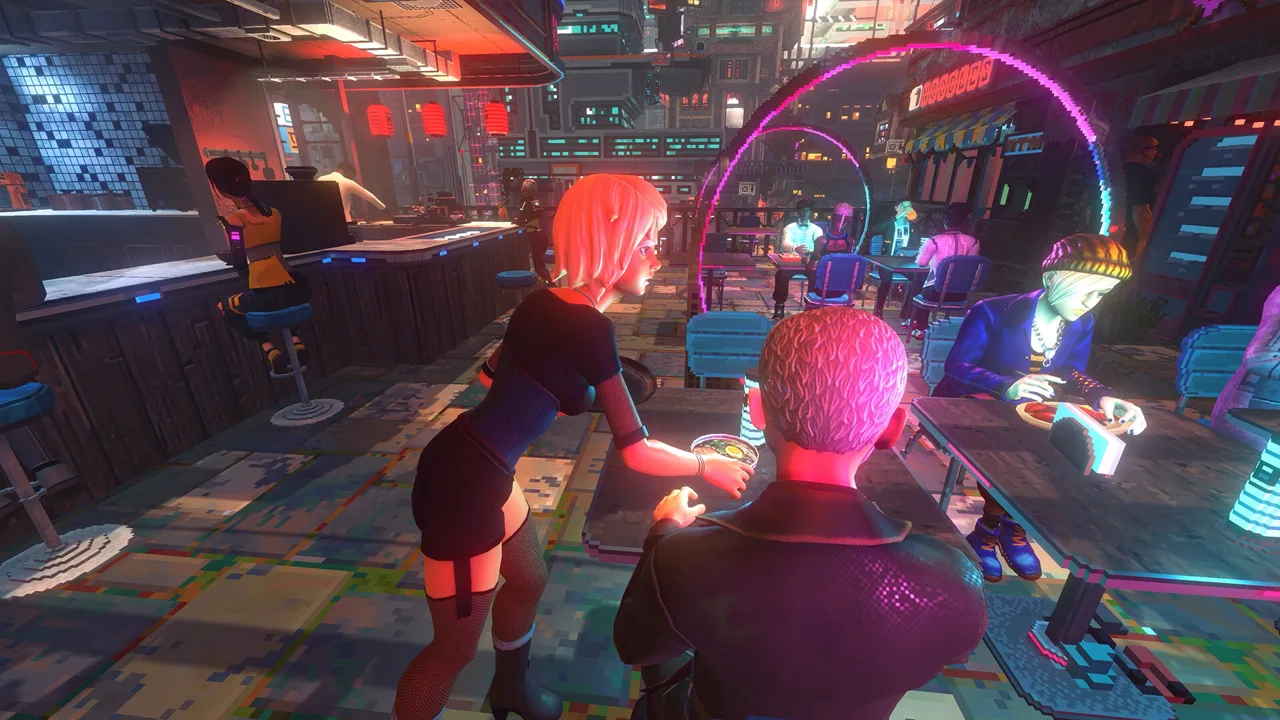
Update 4 · two routes through the problem
What needs attention?
YouTube / official trailer
A restaurant in the city
The publisher trailer introduces Nivalis Nights. It is prerelease game context, not a demonstration of Update 4 targets or budgets. The poster is a separate Steam screenshot.
Find your next guide
What are you working on?
Restocking settings
Start here when ingredients arrive but purchasing feels difficult to control, or when you want to understand the four Update 4 targets. Choose a target first, set a budget separately, then check the list and actual inventory.
- Choose Lean, Normal, Extra or Recent SalesCompare the four Update 4 restocking targets, find the per-venue controls and check your choice against the shopping list.
- Set a daily restocking budget without guessing a numberUse the Update 4 per-venue budget with your menu, target and shopping list; separate purchase limits from overall venue costs.
- Check what your manager will buy on the shopping listReconcile the Update 4 shopping list with the venue target, active menu, stored ingredients and pending delivery state.
- Restocking settings look changed after loading a saveUnderstand the Update 4 display-only known issue, verify stock and shopping-list behavior, and avoid assuming your saved parameters were lost.
- View all restocking settings guidesChoose by your current symptom and follow the relevant checks.
Inventory diagnosis
Start here when a required ingredient remains at zero or a menu cannot run. First identify the missing item, then check vendor availability, budget and both inventory destinations. A symptom does not establish a universal bug fix.
- Manager not restocking: check the Update 4 branchesCheck the correct venue, required ingredients, vendor availability, daily budget, existing deliveries and main inventory before calling it a bug.
- Why the Restock Ingredients objective keeps returningSeparate Update 4 zero-stock reminders from one-time quest progress and check menu availability, budget and actual inventory.
- Find stacked deliveries and stock sent to main inventoryUse Update 4 automatic delivery cleanup, check both inventory destinations and recover overflow without duplicating purchases.
- Read red recipe icons and find inventory your menu usesExpand Update 4 red recipe icons, separate missing ingredients from processors and use inventory markers before clearing stock.
- View all inventory diagnosis guidesChoose by your current symptom and follow the relevant checks.
Version matters
The warning is now a zero-stock check
Lean, Normal and Extra target 2, 5 and 10 of each required ingredient. Recent Sales uses the last four in-game hours with a minimum of 2. Those targets are separate from the restock objective, which now appears when a required ingredient reaches zero.
These guides cover Nivalis Nights, Steam app 1488490, and Update #4, build 25828494. A settings display problem after loading does not mean saved parameters were lost. A continuing Honeycomb shortage is still an unresolved report.
Read sources and version boundaries →